
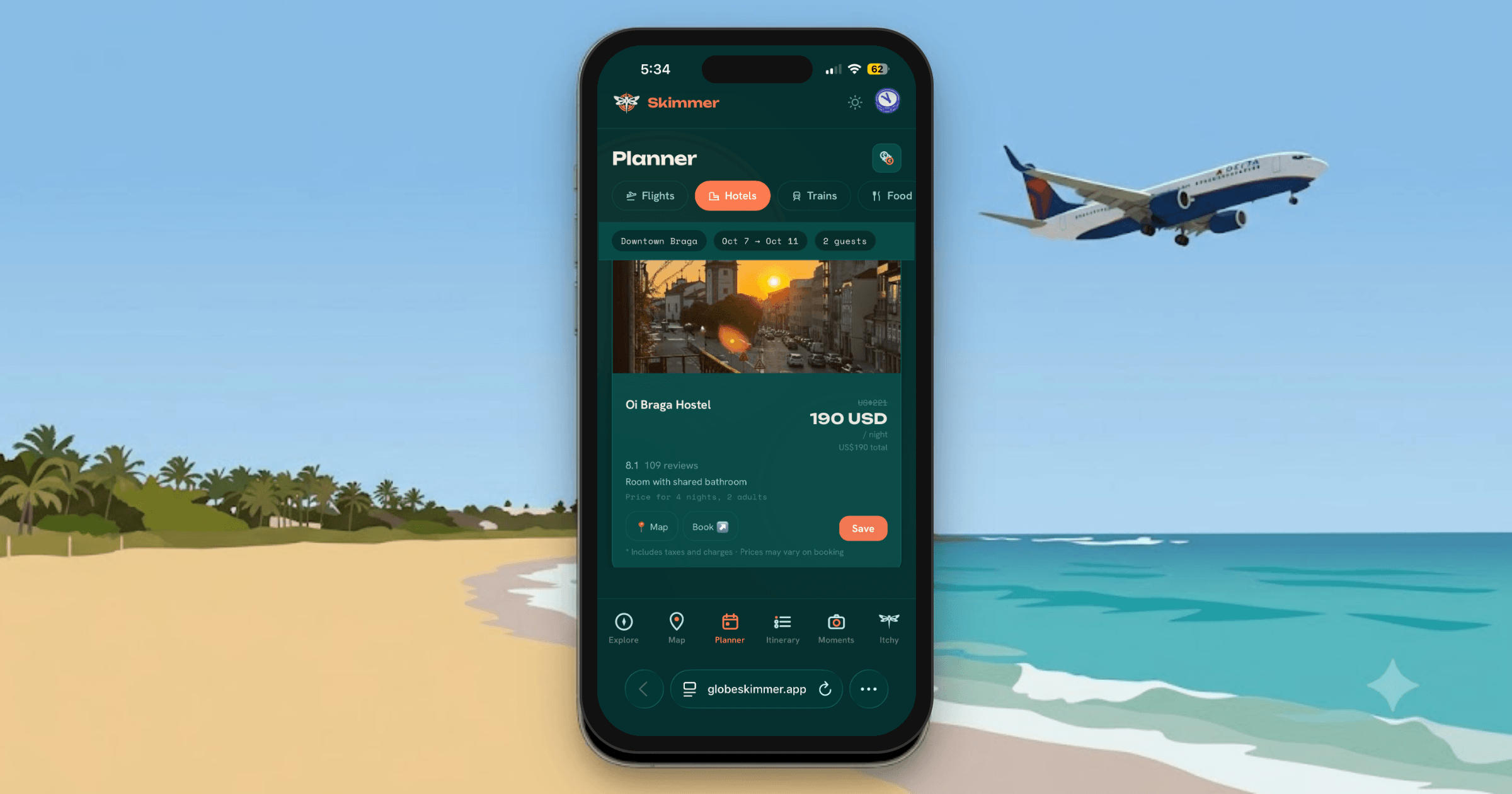
If you’ve only ever planned a trip with a spreadsheet, a notes app, and a dozen browser tabs, “travel planner app” can sound like one more thing to manage instead of fewer. Here’s what actually changes once you start using one, what the first ten minutes look like, and where beginners usually trip themselves up.
What a travel planner app actually replaces
It’s not replacing your browser — you’ll still search for flights and hotels somewhere. What it replaces is the step after that: manually retyping what you found into a doc, then trying to remember which browser tab had the confirmation number. A good planner app is where search results become your itinerary, instead of a separate destination you have to copy things into by hand.
The bigger shift is what happens once you land. Most people plan in one tool and then abandon it the moment the trip starts, switching to email, texts, and photos to actually get through the days. A planner app worth using stays relevant the whole time — before you leave, while you’re there, and after you’re home — instead of being a pre-trip-only exercise.
How to start your first trip
The first ten minutes look roughly the same no matter which app you pick:
- Create the trip. Name it and set your dates. This is the container everything else attaches to.
- Add what you already know. A booked flight, a hotel you’re set on — get the fixed points down first.
- Search and add as you go. Look up a restaurant or an activity, and instead of writing it down separately, add it straight into the day it belongs to.
- Let the schedule fill in gradually. You don’t need day five planned before you’ve booked day one.
In Globe Skimmer, step 3 is where Itchy does most of the work — ask about hotels in a neighborhood or restaurants near where you’re staying, and it writes the results directly into your itinerary instead of handing you a list you have to re-enter by hand yourself.
What you’ll actually use once you’re a few days into planning
A trip is more than a schedule, and a decent planner app should cover the parts people usually track separately:
The itinerary is the day-by-day timeline — what’s happening, when, and where. This is what most people picture when they hear “travel planner,” and it’s the part that fills in first.
A map with directions to everything you’ve saved matters more than it sounds like it would, especially once you’re actually walking around a city you don’t know.
A packing list that’s specific to the trip — not a generic template — and split by person if you’re traveling with someone else, so it’s obvious who’s actually finished.
A document vault for boarding passes and confirmations, ideally sitting next to the itinerary entry it belongs to rather than buried three folders deep in your email.
A running budget, especially if costs are getting split across more than one traveler — nobody wants to do that math by hand at the end of a trip.
Globe Skimmer covers all five in one place, so switching between “what’s my afternoon look like,” “did I pack the charger,” and “what did I already spend” doesn’t mean switching apps.
What to expect a few entries in
The itinerary starts filling in by day, and gaps become obvious — an afternoon with nothing planned, or two things scheduled too close together. A decent planner app will point those out instead of leaving you to notice mid-trip. In Globe Skimmer, Itchy flags overlapping times and empty stretches directly in chat as you add things, since it’s looking at the whole trip, not just the entry you’re currently adding.
Common mistakes beginners make with a planner app
Trying to plan the whole trip in one sitting. Add things as you find them, over days or weeks, and let the itinerary build itself gradually. Forcing it all into one session is exactly what makes planning feel exhausting.
Treating documents and packing as last-minute tasks. It’s easier to attach a confirmation the day you book it than to hunt for it the night before you fly, and the same goes for packing — add items as the itinerary gives you a reason to (a hike gets added, so do the boots), instead of trying to remember everything the morning of.
Assuming one trip means the app can only hold one trip. If you’re planning a work trip and a family trip at the same time, look for an app that keeps them fully separate — a shared list that mixes two trips together defeats the purpose fast.
A few common questions
Do I need to plan an entire trip before I leave? No — most people build the schedule gradually, and a good planner app should support adding to it mid-trip just as easily as before you go.
Can a travel planner app handle more than one trip at a time? It should. Globe Skimmer keeps every trip in its own space, with a switcher at the top of the app, so an upcoming trip and a past one never end up mixed together in the same list.
Do travel planner apps cost money? It depends on the app — some are free with a paid tier for the features that actually matter (offline access, full AI search), some are subscriptions, and some, like Globe Skimmer, are a single $19.99 purchase with everything included, current and future features alike.
Starting your first trip is the same first step no matter which app you use: create the trip, add what you know, and build from there. Globe Skimmer is built so that step stays simple — one-time $0.99, no account tiers to figure out first.
Plan your next trip with Globe Skimmer
Ask Itchy for a hotel, a packing list, or a place to eat — it writes straight into your itinerary. $19.99, once, forever.
Get Globe Skimmer — $19.99